01You are here
Run a request
Explore request parameters and response structures in Playground. No login required.
Choose a service, run a request and explore the response.
POST /card-identificationCard CatalogGET /catalogCard Pricing DataGET /transactionsPopulation DataGET /populationRecognition type
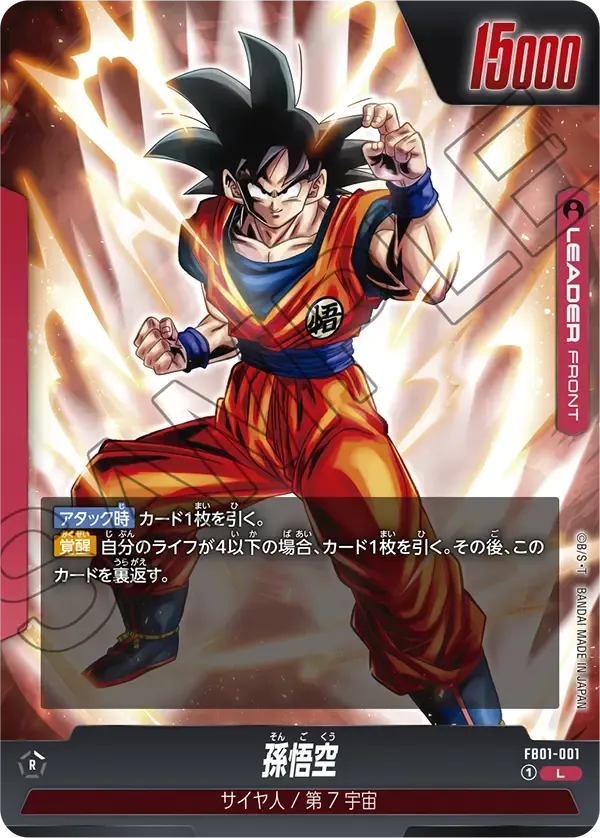
Select a card06
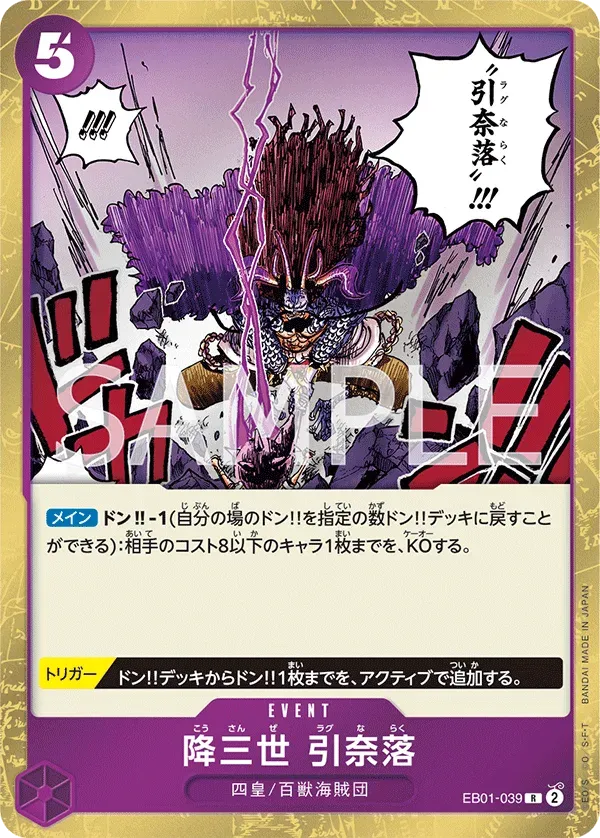
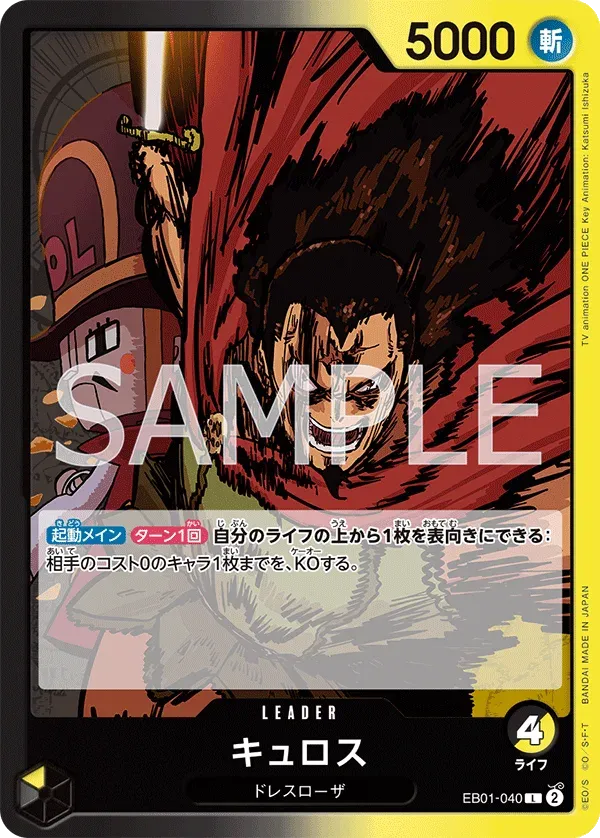
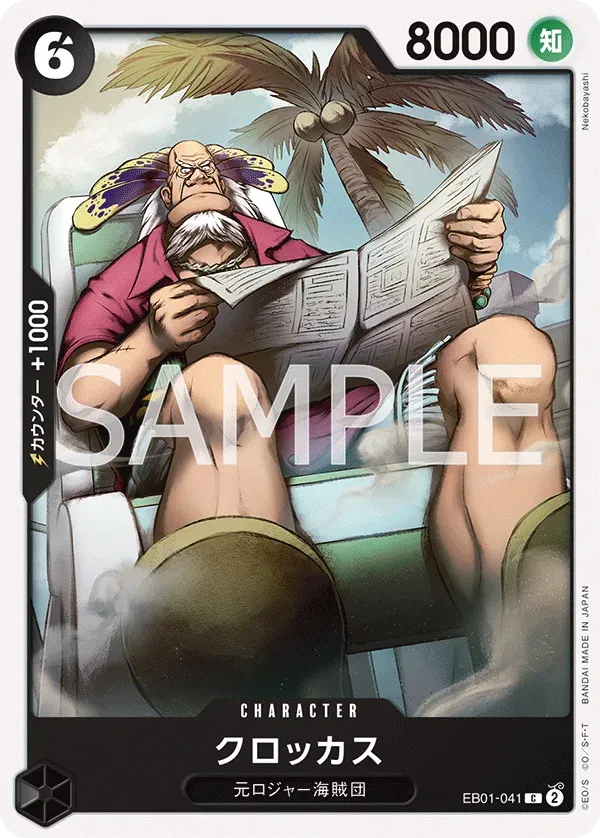
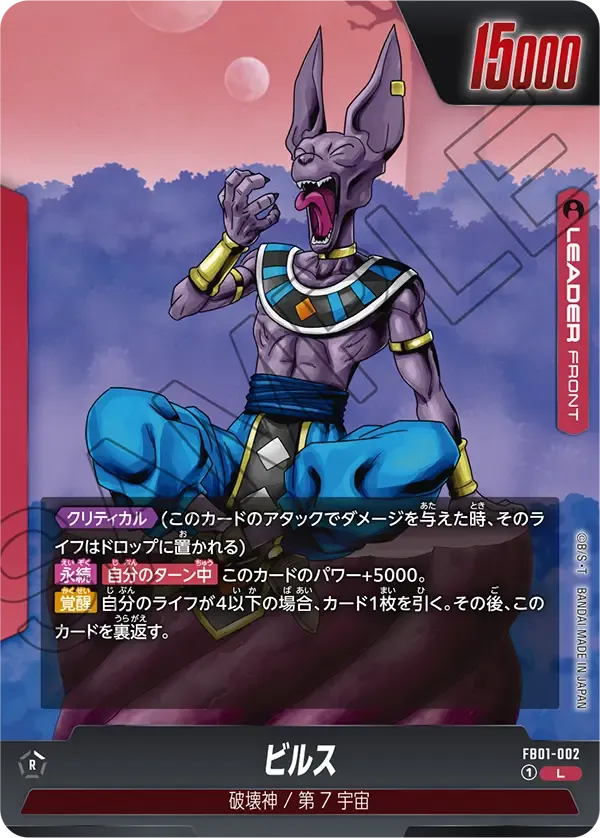
Parameters
Filled from the selected card.
View results as visuals, JSON or code.
Shortcuts ⌘ ↵ Run it.1–4 Switch services.
This demo uses fixed sample data. Personal images and API keys are not sent or processed.
Synced with the workspace above. Switch services or recognition modes to see the relevant inputs and response fields.
/example/card-identificationPer-card results from photos or scans.
Contact us for an API key to use your own images or queries.
Explore request parameters and response structures in Playground. No login required.
Share your services, card scope, and expected volume. Get a key once the plan is confirmed.
Contact usSwitch to My data, enter a demo key, and use your own images or queries.
Switch to My dataUse API docs and code samples to integrate recognition and data into your workflow.
Connect an API, request a key or discuss your data needs.
Tell us what you are building. Let us find the next step.
Define product goals, data scope, and API needs.
Combine recognition, imaging and data.
Once the plan is agreed, we help you get an API key.